Refunds, ad spend and forms posted to Slack
Back-office alerts are small Make.com scenarios that each look after one job, such as a Stripe refund request, an ad spend check or a new onboarding form, and post what they find to Slack for your team. Payments and forms are also added to Google Sheets, so you keep a record without typing one up.
Who it’s for: Small teams that take payments through Stripe, run ads and onboard new clients, and want to hear about each of these without checking by hand.
What gets watched for you
- Ad spend and campaign health, every 15 minutes
- Stripe refund requests, disputes and failed payments
- Each onboarding form, as soon as it is submitted
- The core of each email, saved to an audit log
- Every 15 min
- Ad spend and campaign health checked
- 3 scenarios
- Refunds, disputes and failed payments
- A row per event
- Stripe events added to a Google Sheet
- Every email
- Its core pulled out for the audit log
Built around the tools you already use
We connect the tools you already use, so payments, ad checks and new clients are reported in Slack without anyone keeping watch.
- 1. Refunds
- 2. Disputes
- 3. Failed payments
Pick any step to see what it does.

From an event to a message in Slack
- Step 1
Something happens
A Stripe event, a submitted onboarding form or a new email starts its own Make.com scenario, a set of steps that runs on its own.
- Step 2
Ad spend on a timer
The ad spend check runs on a timer, every 15 minutes, instead of waiting for an event.
- Step 3
Only the right events pass
In the refunds scenario, a filter lets refund requests through and stops everything else.
- Step 4
Your team is told
The Stripe, ad spend and onboarding scenarios each post what they found to Slack.
- Step 5
A record is kept
Stripe events and onboarding forms are added to Google Sheets, and the core of each email is sent to the email log.
- Step 6
New clients set up
A submitted onboarding form also creates an account in GoHighLevel.
Four parts of your back office, watched for you
Ad spend monitoring
Every 15 minutes, a scenario runs Apify, a ready-made web scraper, to check ad spend and campaign health.
- Results read one at a time
- Each result posted to Slack
Stripe payments
Refunds, disputes and failed payments each have a scenario that watches Stripe for that one event.
- Only refund requests pass
- Posted to Slack as a message
- Logged as a Google Sheet row
Email log for audits
As soon as an email comes in, an OpenAI step pulls out its core for the log.
- Every action logged
- A record ready for audits
Onboarding forms
When a new onboarding form is submitted, one scenario tells your team and records the details.
- A post in Slack
- Rows added to Google Sheets
- An account made in GoHighLevel

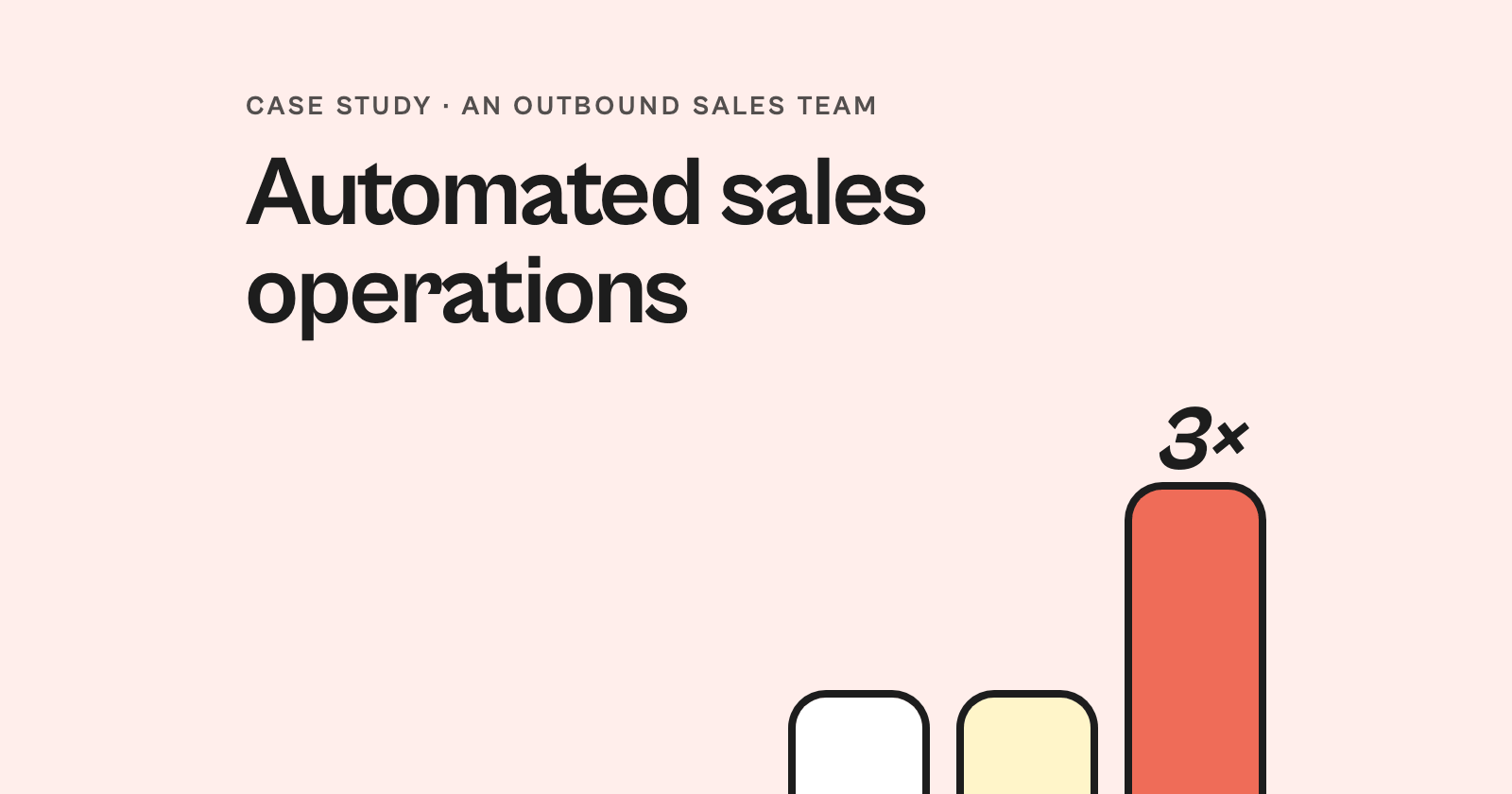
An outbound sales team
From our work with an outbound sales team
An outbound sales team that handed cold calling and meeting reminders to AI voice agents, run through Make.com and GoHighLevel.
- The back office was automated so the operation runs with a small team.
- A separate scenario watches Stripe for refunds, for disputes and for failed payments.
- Apify, a ready-made web scraper, checks ad spend and campaign health every 15 minutes.
- 15
- Minutes between ad spend checks
- 3
- Stripe events sent to Slack
What it costs
Tell us which events your team checks by hand today and we’ll reply by email with a fixed price.
Prices are for our build. Subscriptions to the tools themselves, such as your CRM, phone minutes or AI usage, are paid to those providers.
More systems we connect
Common questions
How much does it cost?
One automation, such as Stripe alerts in Slack, starts from $499. Several automations, or the design of a whole system, start from $1,499. A big project gets a custom quote. Tell us which back-office events you want to hear about and we’ll reply by email with a fixed price.
Which Stripe events did you set up?
For an outbound sales team, refunds, disputes and failed payments, each in its own scenario. The refunds scenario only lets refund requests through.
How often is ad spend checked?
Every 15 minutes. A scenario runs Apify, a ready-made web scraper, and posts what it finds to Slack, one result at a time.
Is there a record we can look back on?
Yes. Stripe events and onboarding forms are added to Google Sheets, and the core of each email goes to an email log kept for audits.
What happens when a new client fills in the onboarding form?
The scenario posts to Slack, adds rows to Google Sheets and creates an account in GoHighLevel.
What is a Make.com scenario?
It is a set of steps in Make.com that runs on its own, either on a schedule, such as every 15 minutes, or as soon as something happens, such as a payment event in Stripe.


Want your back office to report to Slack?
Tell us which payments, ads and forms your team keeps an eye on today, and where you would like to hear about them.
Marketing Automate is led by Gaurav Trivedi and Shubham Kakkad.