CRM automation that tracks and follows up every lead
CRM automation sets up your CRM so every lead lands in it and gets followed up, without anyone copying data across by hand. We connect it to the sheets, forms and chats your team already uses, then build the tags, emails and reports around it.
Who it’s for: Businesses whose leads arrive in several places, or whose CRM has outgrown the tool it runs in.
Inside a CRM we set up
- Your sheets and forms feeding the CRM, no retyping
- Leads from calls, chats and forms in one place
- Tags and stages that show where each lead stands
- Follow-up emails sent at each stage
- Real leads
- Sales tags separate real leads from junk
- Switching CRMs
- Contacts moved across with their place kept
- Lead reports
- Where leads came from and how many booked
- Back to your ads
- Bookings and qualified leads sent to Google
Built around the tools you already use
We connect the tools you already use, so every lead reaches your CRM and gets followed up.
- 1. Moved on: the next email
- 2. Stalled: a reminder
- 3. Finished: a well done
Pick any step to see what it does.

From a new lead to the follow-up
- Step 1
A lead comes in
A lead arrives by phone, walk-in, WhatsApp chat, web form or sign-up.
- Step 2
It lands in the CRM
Whatever the source, the lead is saved in the CRM, even when your team keeps typing into a sheet.
- Step 3
It gets a tag
A tag such as new, booked or junk tells your workflows what to do with the lead.
- Step 4
It sits in a pipeline
The lead sits at a stage in a pipeline, so you can see how many leads are at each one.
- Step 5
The follow-up runs
The next email goes out based on the lead’s tag and stage, with nobody starting it by hand.
- Step 6
You see the results
A report shows where your leads came from and how many turned into bookings.
The jobs inside CRM automation
Every source in one CRM
Calls, walk-ins, WhatsApp chats and website forms all end up in the same place.
- Each enquiry keeps its source
- Form entries arrive with ad details
Sheet rows into the CRM
We connect the CRM to the sheets your team already uses, so nobody has to switch tools.
- Each new row saved in the CRM
- The CRM ID goes back in the row
Tags and pipelines
Tags and stages tell each workflow who a lead is and how far they have got.
- New and existing contacts kept apart
- A pipeline per course, for one client
- Sales tags mark the real leads
Follow-up and reports
The CRM sends the next email or report without anyone starting it.
- Emails that react to each stage
- A weekly report on every lead

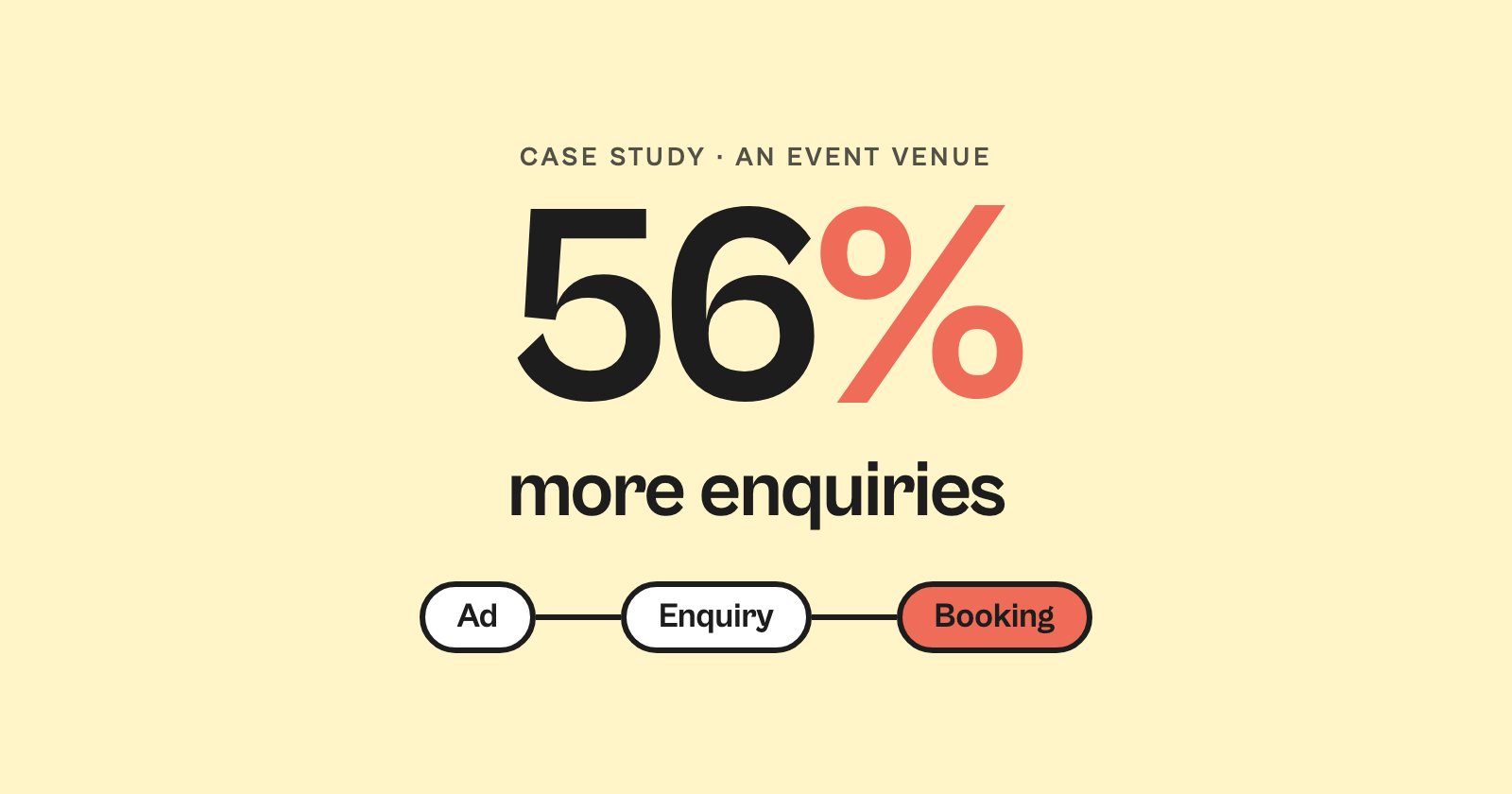
From our work with an event venue
- Staff kept working in their sheets, and every row reached Twenty CRM.
- Calls, walk-ins, WhatsApp chats and website forms all end up in one CRM.
- Sales tags show which leads were real and which ones booked.
- A weekly report reads every enquiry in the CRM and sorts them by source.
- 56%
- Enquiries up on a year earlier
- 3
- CRM records made from each new sheet row
An online education platform
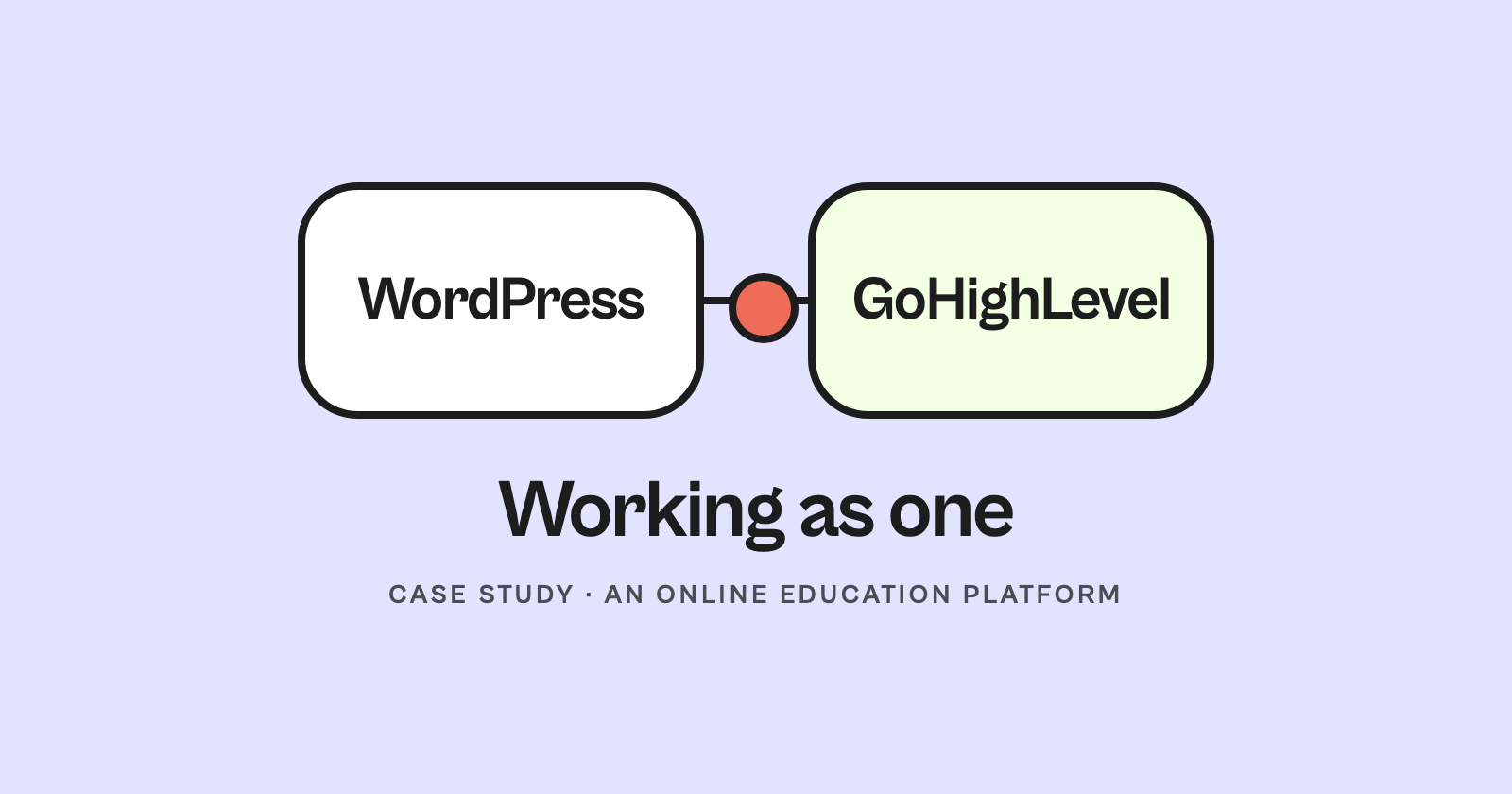
From our work with an online education platform
An online course business with 1,400+ active students that moved from FluentCRM inside WordPress to GoHighLevel without interrupting anyone mid-course.
- Emails and automation moved from FluentCRM to GoHighLevel.
- Contacts already on a course kept their place and skipped the welcome emails.
- More than 30 pipelines, one for each course.
- Nothing was lost in the migration.
- 30+
- Course pipelines built
- 0
- Data lost moving CRMs
What it costs
Tell us which CRM you use and where your leads come from, and we’ll reply by email with a fixed price.
Prices are for our build. Subscriptions to the tools themselves, such as your CRM, phone minutes or AI usage, are paid to those providers.
What we set up in your CRM
Common questions
How much does it cost?
One automation, such as a sheet-to-CRM sync, starts from $499. Several automations, or the design of a whole system, start from $1,499. A big project gets a custom quote. Tell us which CRM you use and where your leads come from, and we’ll reply by email with a fixed price.
Which CRMs do you work with?
We have built on Twenty CRM and on GoHighLevel. If you use something else, tell us and we’ll check whether it can connect.
Does my team have to stop using spreadsheets?
No. For an event venue, we connected Twenty CRM to the sheets the team already used, so staff kept typing into rows and every row reached the CRM.
Can you move us off our current CRM without losing data?
Yes. We moved an online education platform from FluentCRM to GoHighLevel with zero data loss, and students already partway through a course got none of the welcome emails meant for new signups.
Can the CRM tell real leads from junk?
Yes. At an event venue the sales team tags each chat, and cost is worked out per real lead and per booking from those tags.
Can sales results go back to our ad accounts?
Yes. For an event venue, once the sales team tags a lead, the outcome is sent to Google Ads, and junk is never sent.


Want every lead in one CRM and followed up?
Tell us where your leads come from today and what happens to them after that.
Marketing Automate is led by Gaurav Trivedi and Shubham Kakkad.