Get GoHighLevel set up, automated and connected to your tools
GoHighLevel setup gets your contacts, pipelines, tags and workflows working in GoHighLevel, the platform that keeps your CRM, calendars, forms, texts and emails in one account. We also move you in from the CRM you use now, connect GoHighLevel to your website and other tools, and build voice agents that work from its pipelines and calendar.
Who it’s for: Businesses that already run on GoHighLevel or plan to move to it, and want its pipelines, workflows and links to other tools built for them.
Inside a GoHighLevel build
- A pipeline for each process, with your own stages
- Tags and workflows that decide who gets what
- Your contacts moved in from the CRM you use now
- Your site, calls and other tools connected to it
- Your own stages
- Each opportunity moved along its pipeline
- One inbox
- SMS, email, WhatsApp and live chat together
- Webhooks
- In and out, for Zapier, Make.com or your site
- Tag triggers
- Adding a tag can start a workflow
Built around the tools you already use
We connect the tools you already use, so what happens on your site and on your calls lands on the right GoHighLevel record.
- 1. Contact found or created
- 2. Tag added
- 3. Opportunity at its stage
Pick any step to see what it does.

From your current setup to GoHighLevel doing the work
- Step 1
We map your process
We start with your process: how leads or students reach you, what you need to know about them and what each step should trigger.
- Step 2
Pipelines and fields
We build the pipelines, stages, tags and custom fields in your GoHighLevel account to match that process.
- Step 3
Your contacts moved in
If you are coming from another CRM, we bring your contacts across and tag them so workflows can tell them from new ones.
- Step 4
Your tools connected
We connect your website, forms and other tools to GoHighLevel with webhooks, Zapier or Make.com.
- Step 5
Workflows switched on
We build the workflows that send the emails and texts, move the stages and hand leads on, then switch them on.
- Step 6
Handed over to your team
You get a video walkthrough of the build and support while your team settles in.
GoHighLevel work we take on
Pipelines and stages
We design pipelines around what you track, whether that is one for all your deals or one for each product or course.
- Stages named for your process
- IDs ready for outside tools
- The value sitting at each stage
Tags and workflows
We build workflows that read tags, fields and replies, then wait, branch and send the right message.
- Started by tags, replies or new contacts
- Branches for new and old contacts
- Waits from seconds to days
Moving to GoHighLevel
We move your contacts and automation in from the CRM you use now, keeping each person where they were.
- Contacts tagged by where they came from
- No one sent back to the start
Connections and agents
We link GoHighLevel to your website, Zapier, Make.com and voice agents, so an event in one updates the other.
- Inbound and outbound webhooks
- Voice agents that move stages
- Accounts made from onboarding forms

An online education platform
From our work with an online education platform
An online course business with 1,400+ active students that moved from FluentCRM inside WordPress to GoHighLevel without interrupting anyone mid-course.
- We built more than 30 pipelines in GoHighLevel, one for each course, each with three stages.
- Contacts brought over from FluentCRM carry an old tag, and every workflow checks it before sending.
- Custom code inside a GoHighLevel workflow chooses three courses to recommend to each new contact.
- Each opportunity carries a money value, so the board shows how much sits at every stage.
- 30+
- Course pipelines, three stages each
- 0
- Data lost leaving FluentCRM
An outbound sales team
From our work with an outbound sales team
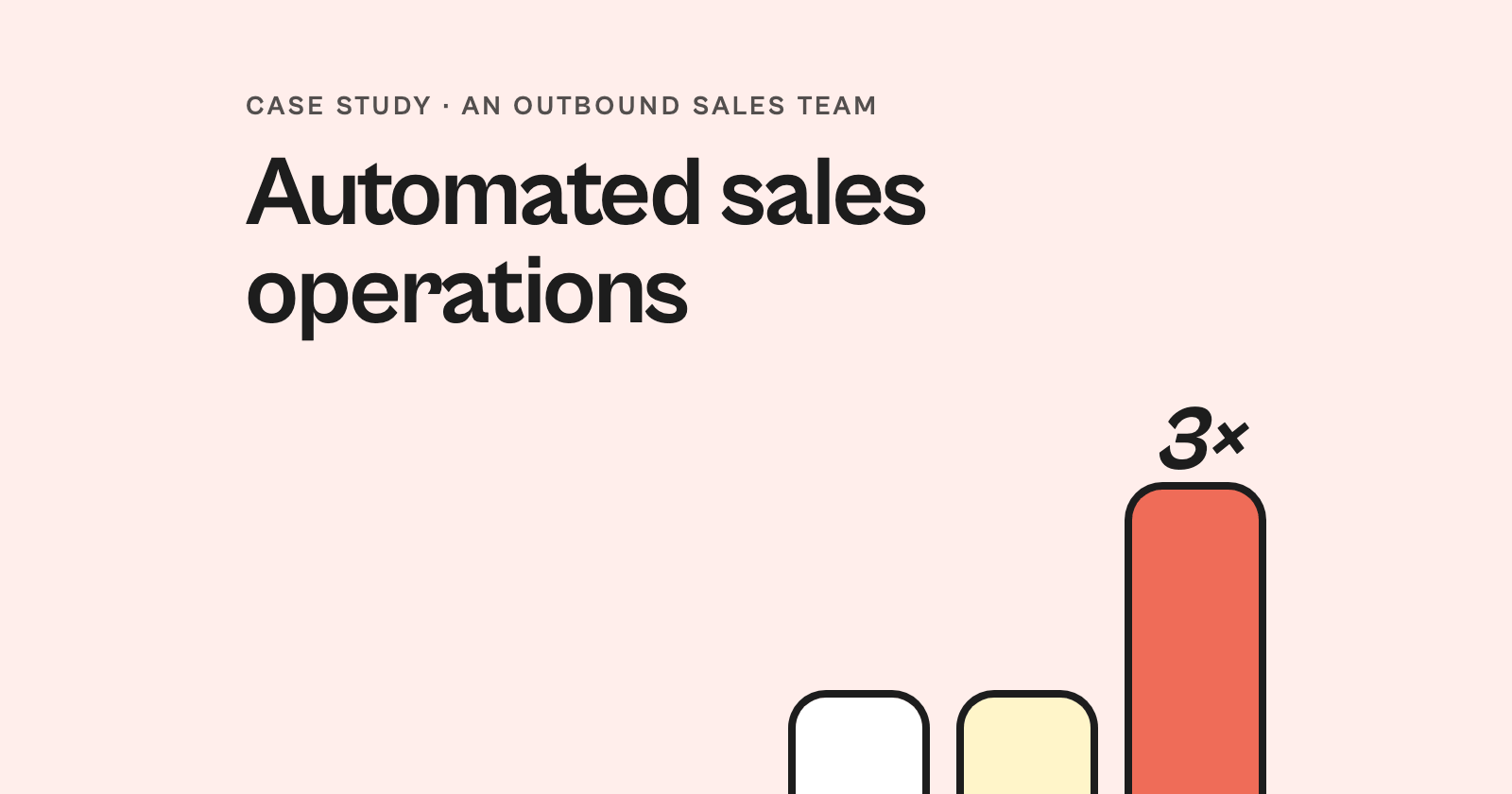
An outbound sales team that handed cold calling and meeting reminders to AI voice agents, run through Make.com and GoHighLevel.
- Each new GoHighLevel opportunity sets off a Make.com run that calls the lead.
- A GoHighLevel workflow sorts each reply, and an interested lead is tagged, moved to the Interested stage and handed to the qualifying voice agent.
- Reminder calls work from the GoHighLevel calendar, and a new time agreed on the call moves the event.
- Each onboarding form creates an account in GoHighLevel through Make.com.
- 3×
- Increase in meeting show rate
- 100%
- New leads called, each from a GoHighLevel opportunity
What it costs
Tell us what your GoHighLevel account does today and what you want it to do, and we’ll reply by email with a fixed price.
Prices are for our build. Subscriptions to the tools themselves, such as your CRM, phone minutes or AI usage, are paid to those providers.
What we build in GoHighLevel
Common questions
How much does it cost?
A full GoHighLevel setup is several automations and starts from $1,499. One automation, such as sending your website’s form entries into a GoHighLevel pipeline, starts from $499. A big project gets a custom quote. Tell us what your GoHighLevel account does today and what you want it to do, and we’ll reply by email with a fixed price.
Who can set up GoHighLevel for my business?
We can. We build the pipelines, tags, custom fields and workflows in GoHighLevel, move your contacts in from your old CRM and connect GoHighLevel to your other tools.
Can you move us to GoHighLevel from another CRM?
Yes. GoHighLevel can import a file of contacts as opportunities, mapping each column to a field, and we handle what an import alone does not, such as keeping existing contacts out of the welcome emails. For one client, the move from FluentCRM finished with zero data loss.
Can GoHighLevel connect to our website and other tools?
Yes. A GoHighLevel workflow can start from an inbound webhook and send data out with a webhook step, so it works with Zapier, Make.com and any tool that accepts web requests. Its forms can also be embedded on a WordPress site or another website builder.
Can you build voice agents that work with GoHighLevel?
Yes. For one client, voice agents built in NLPearl run through Make.com: a new GoHighLevel opportunity starts the qualifying call, reminder calls work from the GoHighLevel calendar, and each call’s result moves the opportunity’s stage.
Do we need one pipeline or several?
The usual setup is one pipeline for everyone, which suits a single sales process. For a course business that wanted to watch each course on its own, we built one pipeline per course, more than 30 in all.
What does GoHighLevel do on its own?
It keeps your contacts, pipelines, calendars, forms and workflows in one account, and brings SMS, email, WhatsApp and live chat into one inbox. We set those parts up and connect them to each other.


Want your GoHighLevel account built around your business?
Tell us what your business runs on today and which jobs you want GoHighLevel to take over.
Marketing Automate is led by Gaurav Trivedi and Shubham Kakkad.