Integrations between your product and the tools your customers use
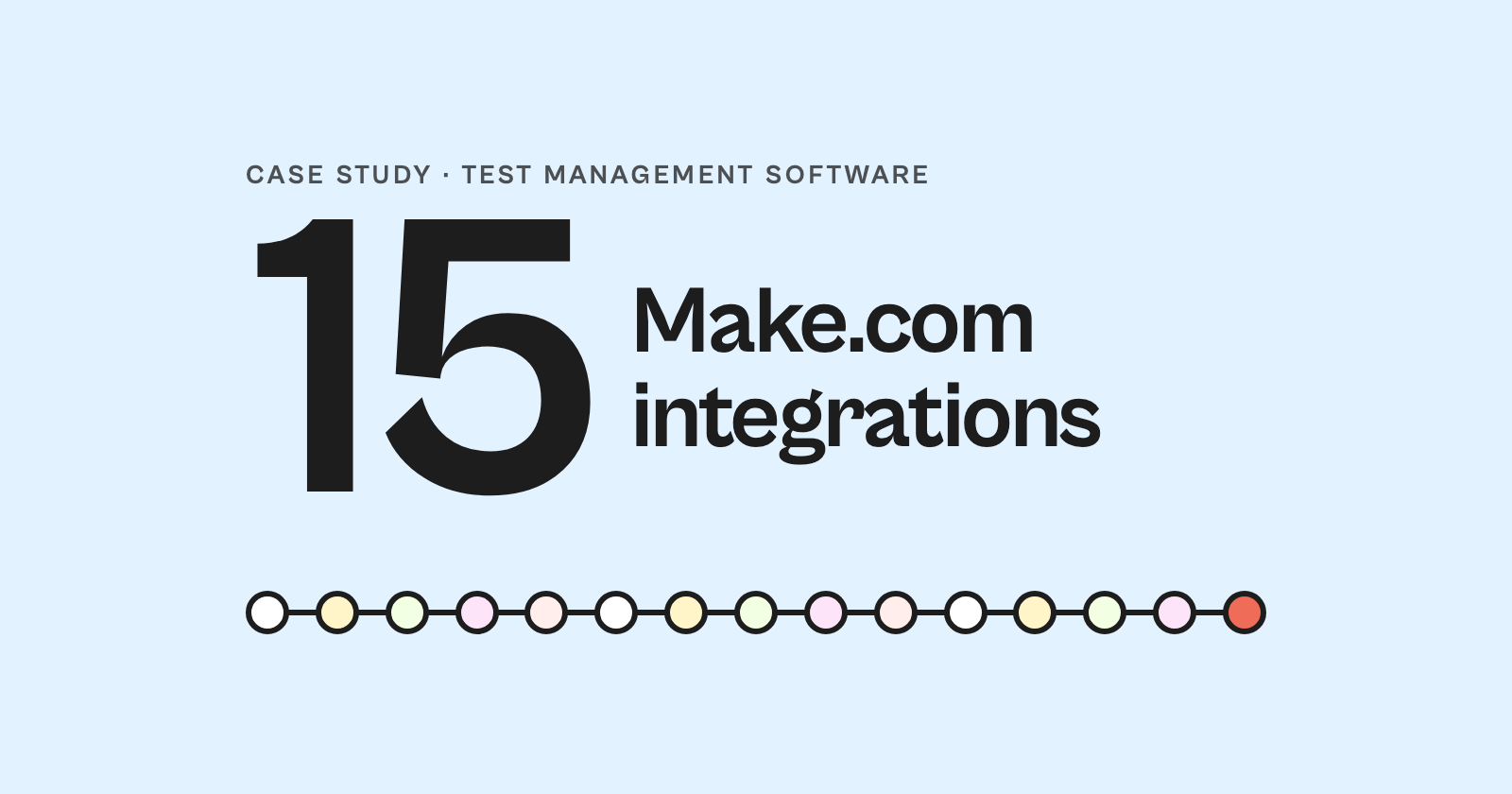
We build the integrations your product needs with the tools your customers already work in, using Make.com. For Tuskr, a test management tool, we built 15 of them, from Asana and Jira to Slack and Zoho Projects. Tuskr lists each one on its integrations page.
Who it’s for: Software companies whose customers ask for integrations with the tools they already use.
What we built for Tuskr
- Project and task tools, from Asana to Zoho Projects
- Developer tools: Jira, Azure DevOps, GitHub, GitLab
- Team chat: Slack, Microsoft Teams, Google Chat
- Every one listed on Tuskr’s integrations page
- 15 integrations
- Built for Tuskr, a test management tool
- Jira, both ways
- Each ticket update sent back to the product
- 3 chat tools
- Slack, Microsoft Teams and Google Chat
- One pattern
- Webhook, Make.com scenario, reply
Built around the tools you already use
We connect the tools you already use, so what happens in your product reaches your customers’ other tools without anyone retyping it.
Pick any step to see what it does.

How each integration for your product works
- Step 1
A webhook goes out
When something happens in your product, such as a failed test in Tuskr, it sends a webhook.
- Step 2
A scenario per tool
Each integration is its own Make.com scenario, and every one follows the same pattern.
- Step 3
The data is shaped
The scenario lays the details out so they read well in the other tool.
- Step 4
The other tool is updated
One API call creates the task, ticket or bug in Jira, Asana, ClickUp or another tool.
- Step 5
Your product hears back
Most scenarios answer the webhook, so your product knows the task or ticket exists.
The tools Tuskr now connects to
Project and task tools
Seven of the integrations are with tools that teams plan their work in.
- Asana, ClickUp and Linear
- Monday.com, Shortcut and Trello
- Zoho Projects
Developer tools
Five of them reach the tools developers fix bugs in.
- Jira, in two versions
- Azure DevOps
- GitHub and GitLab
Team chat
Three are with the chat tools where teams talk.
- Slack
- Microsoft Teams
- Google Chat
One way to build them
Every integration follows the same pattern in Make.com.
- A webhook from Tuskr
- A Make.com scenario
- A reply to Tuskr

What a developer sees in Jira
A failed test arrives in Jira as a ticket with everything the developer needs, and the fix finds its way back to the tester.
The test details in a table
The case name, the run and the tester’s comments, laid out with tables and panels.
A link back to the test
Hidden IDs tie the ticket to the test and the run it came from.
A retest when it is fixed
When the ticket is updated or resolved, Tuskr marks the test for retesting.
The comments come too
The relevant comments from Jira are sent back with the new status.

Failed test: sign-in
ExampleSign in with an expired password. Run: release checks. Tester’s comment: no error message appears.
From our work with a test management software company
We built Tuskr's integrations with 15 tools in Make.com, so a failed test reaches the developers' own tool without anyone copying it.
- Testers stay in Tuskr, and developers stay in their own tool.
- Developers get the failed test in Jira, Asana, ClickUp, Linear, Monday.com, Zoho Projects and more.
- In Jira, every bug links back to the test and the run it came from.
- When a Jira ticket is fixed, the test is marked for retesting.
- 15
- Tools connected
- 0
- Failed tests retyped by hand
What it costs
Tell us about your product and the tools your customers ask for, and we’ll reply by email with a fixed price.
Prices are for our build. Subscriptions to the tools themselves, such as your CRM, phone minutes or AI usage, are paid to those providers.
Other businesses we build for
Common questions
How much does it cost?
One automation, such as one integration between your product and Jira, starts from $499. Several automations, such as a set of integrations, start from $1,499. A big project gets a custom quote. Tell us about your product and the tools your customers use, and we’ll reply by email with a fixed price.
What does our product need to send?
Each integration we built for Tuskr starts from a webhook that Tuskr sends to Make.com, and most of them reply to it. Tell us what your product can send and we’ll check how to build on it.
Can an integration send updates back to our product?
Yes. In the two-way Jira version, an updated or resolved ticket sends Tuskr its new status, such as RETEST, with the relevant comments.
Which tools have you built integrations with?
Asana, ClickUp, Linear, Monday.com, Shortcut, Trello, Zoho Projects, Jira in two versions, Azure DevOps, GitHub, GitLab, Slack, Microsoft Teams and Google Chat.
Will our customers have to leave our product?
No. In Tuskr’s case, testers stay in Tuskr, and developers stay in whichever of the 15 tools they already use.
Is every integration built differently?
No. Every one follows the same pattern: a webhook from Tuskr, a Make.com scenario that shapes the details, and a reply to Tuskr. The calls change with each tool, such as the two GraphQL calls Linear needs.


Want your product to work with your customers’ tools?
Tell us what your product does and which tools your customers want it to work with.
Marketing Automate is led by Gaurav Trivedi and Shubham Kakkad.