n8n workflows built around the tools your business uses
n8n workflow automation turns a job your team does by hand into an n8n workflow: a chain of steps that starts on a trigger, such as a form, a schedule or another app, and passes the data along on its own. We plan and build those workflows for you, add AI steps and calls to your tools’ APIs where they are needed, and make sure a failed run reaches someone.
Who it’s for: Businesses that use n8n or have chosen it, and want the workflows planned and built for them.
Our n8n work
- Workflows started by a schedule, a form or a webhook
- AI steps that summarise, search and draft
- API calls to tools that have no ready-made node
- An email when a run fails, and nightly backups
- Webhooks
- Start a workflow when another app sends data
- Any REST API
- Reached with n8n’s HTTP Request node
- AI steps
- Models from OpenAI, Anthropic or Google
- Every run logged
- Open any run to see what each step did
Built around the tools you already use
We connect the tools you already use, so each n8n workflow can take data from one, work on it and hand it to the next.
- 1. App nodes for your tools
- 2. HTTP requests to any API
- 3. Code where it is needed
- 4. An AI step if it helps
Pick any step to see what it does.

From a job done by hand to a workflow that runs
- Step 1
We map the job
We write down what starts the job, each step your team takes and where the result should end up.
- Step 2
Built as n8n workflows
We build the job as one or more workflows, with shared steps in a sub-workflow the others call.
- Step 3
Connected to your tools
We use n8n’s ready-made nodes for your apps, and an HTTP request for any API that has no node.
- Step 4
Failures go somewhere
We decide who hears about a failed run and how, for example by email.
- Step 5
Walked through with you
You get a video walkthrough that shows how each workflow runs.
Four kinds of n8n work
Workflows from scratch
We build new n8n workflows for jobs your team does by hand today, from the trigger to the last step.
- Schedules, forms and webhooks
- Sub-workflows for shared steps
- Loops that work through a list
AI agents in n8n
We add AI steps that summarise, search your own material and draft text, with rules for what they return.
- Chat models from Google or OpenAI
- A vector store as memory
- A person approves before it goes out
Your apps and APIs
We connect n8n to your apps with its ready-made nodes, and to any other REST API with HTTP requests.
- Webhooks to and from other apps
- API calls where no node exists
- CRMs, sheets and ad platforms
Errors and backups
We set up what happens when a run fails, and keep copies of the workflows themselves.
- An email when a run fails
- Errors logged for a later look
- Nightly copies of every workflow

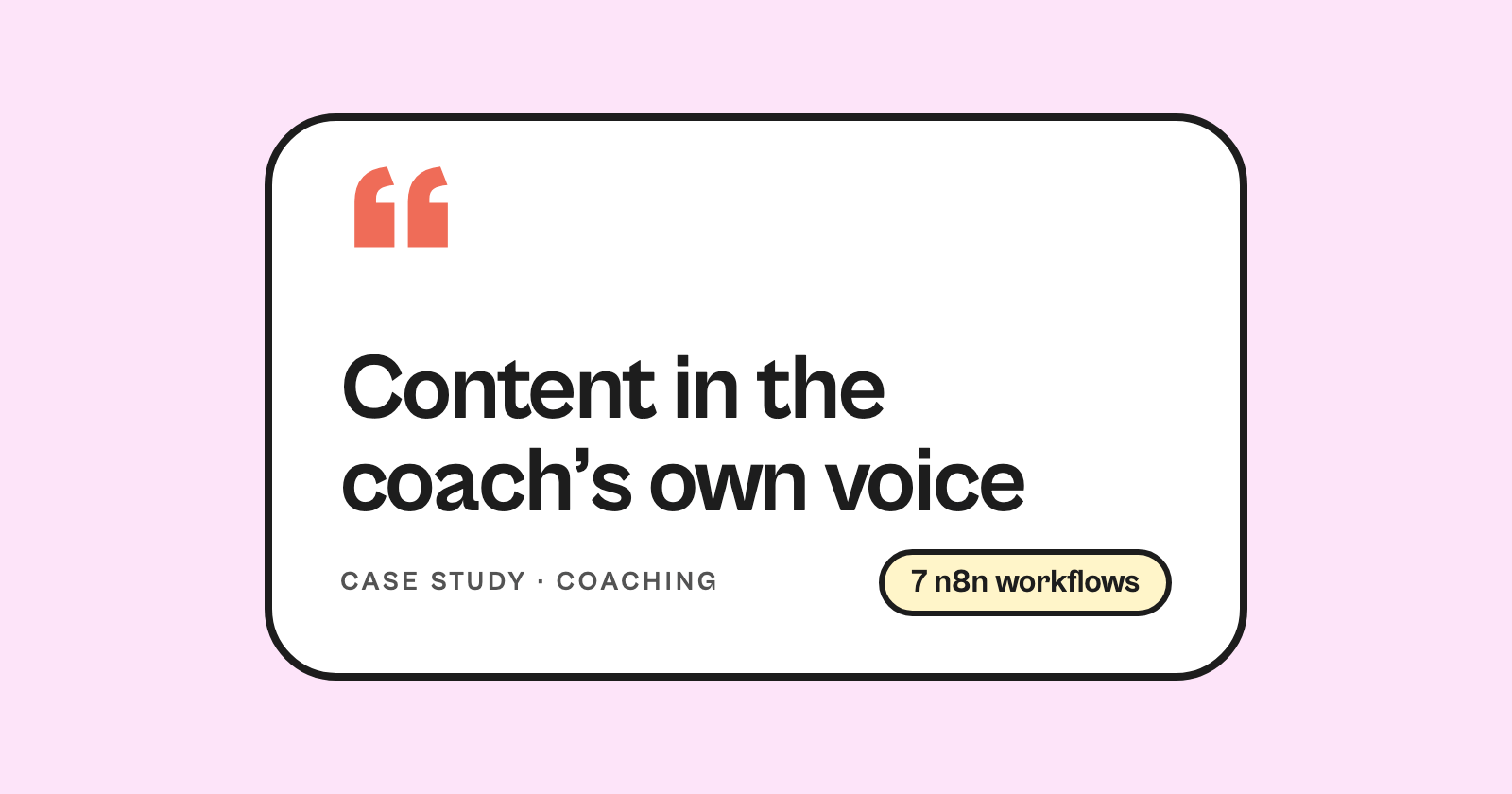
A consultant who sells AI systems to coaches
From our work with a consultant who sells AI systems to coaches
An AI content system in n8n that turns a Pilates coach's Vimeo coaching videos into post ideas and drafts in her own voice.
- We built the whole content system in n8n, as seven workflows that each do one part of the job.
- Videos come in three ways: a one-time import, a daily check and a form for a single video.
- All three hand each video to one shared workflow that summarises it and stores it for search.
- If a video fails during the import, the error is logged and the loop moves on to the next.
- 7
- n8n workflows, each with one job
- 3
- Ways a video enters the system
From our work with an event venue
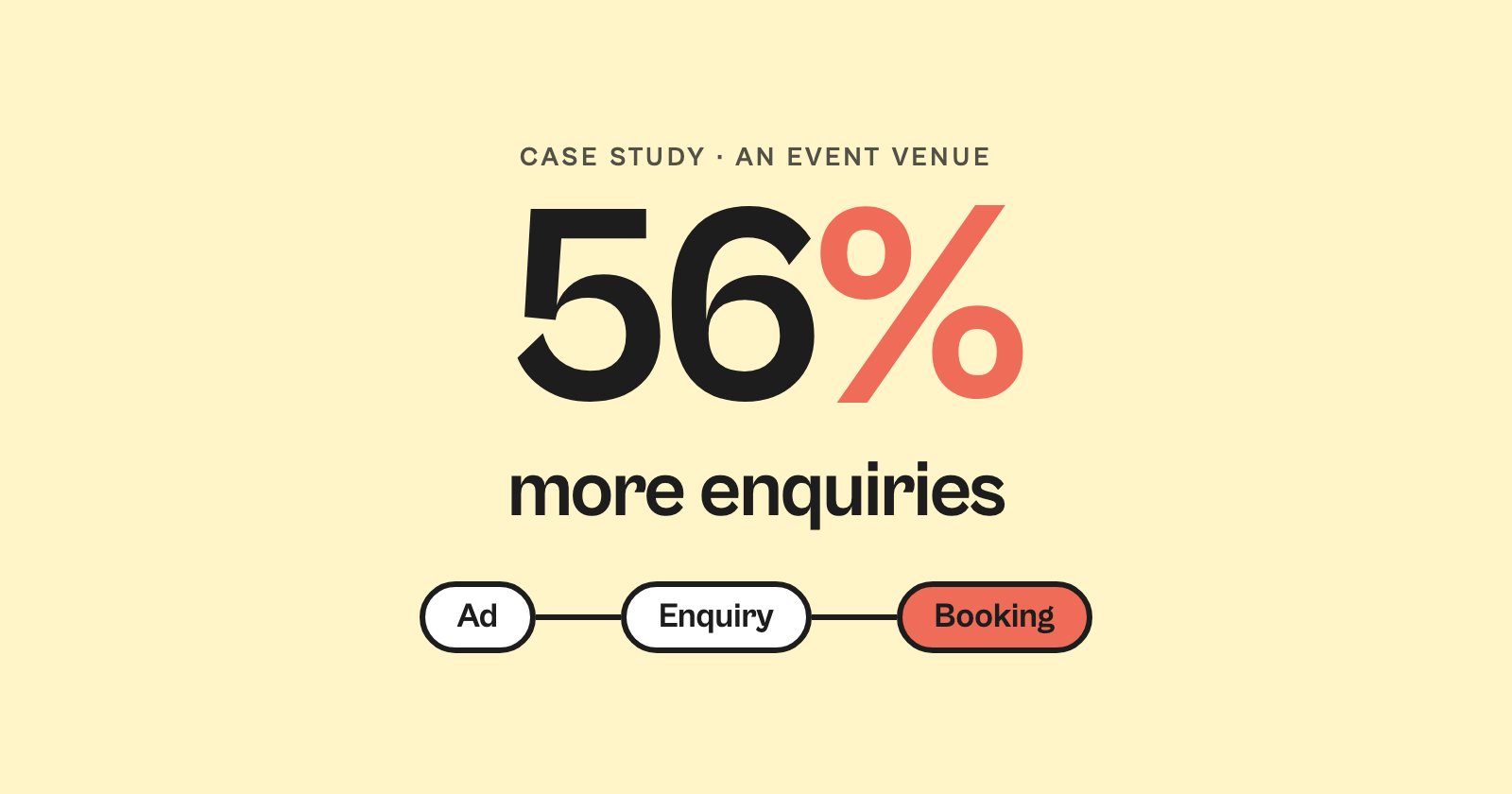
- n8n runs the small jobs around the CRM: leads in, website clicks logged, audiences out to Meta.
- Each morning, n8n starts the job that builds the daily ads report.
- Copies of all the workflows are saved nightly and emailed weekly.
- Daily
- Ads report job started by n8n each morning
- Weekly
- Good CRM leads passed on to Meta
What it costs
Tell us which job you want n8n to take over and which tools it touches, and we’ll reply by email with a fixed price.
Prices are for our build. Subscriptions to the tools themselves, such as your CRM, phone minutes or AI usage, are paid to those providers.
What we build in n8n
Common questions
How much does it cost?
One automation, such as an n8n workflow that checks an app each day and passes new items on, starts from $499. Several automations, or the design of a whole system, start from $1,499. A big project gets a custom quote. Tell us which job you want n8n to take over and which tools it touches, and we’ll reply by email with a fixed price.
Who can build n8n workflows for my business?
We can. We plan and build n8n workflows, connect them to your tools and add AI steps where they help. For one client we built an AI content system in n8n as seven workflows, and for another the workflows that run the small jobs around their CRM.
What can n8n connect to?
n8n has ready-made nodes for many apps, and its HTTP Request node can reach any app or service with a REST API. Other apps can also start a workflow by sending data to its webhook.
Can n8n run AI agents?
Yes. n8n lets you build AI workflows on models from providers such as OpenAI, Anthropic and Google, and give an agent memory and tools. We have built an agent in n8n on Google Gemini that searches a vector store in Supabase before it writes.
What happens when a workflow fails?
n8n can run an error workflow whenever a run fails, and that workflow can send an email or a Slack alert. For one client, a failed workflow sends an email so someone can look at it.
Should we use n8n Cloud or host it ourselves?
n8n offers both. On n8n Cloud, n8n handles the hosting and updates; self-hosted, n8n runs on your own infrastructure, you control the set-up and the upkeep is yours. Tell us which one you use when you get in touch.


Want n8n to take a job off your team?
Tell us the job you would hand to n8n, what starts it and where the result should go.
Marketing Automate is led by Gaurav Trivedi and Shubham Kakkad.