Turn your coaching videos into AI memory
A video knowledge base takes the sessions you record on Vimeo, reads the transcript of each one and stores it where an AI can search it by meaning. Your past videos go in all at once, and new sessions are picked up every day without anyone retyping them.
Who it’s for: Coaches who record long sessions on Vimeo and want what they teach kept somewhere an AI can find it again.
What goes into the memory
- The transcript Vimeo holds for each video
- A summary of the session, written by Gemini
- Tags for each video, from a separate branch
- Small chunks in Supabase, searchable by meaning
- 3 ways in
- Past videos, a daily check or one by hand
- 4 workflows
- For one client: 3 bring videos in, 1 stores
- Every day
- Vimeo checked for new coaching videos
- By meaning
- Found even if you used different words
Built around the tools you already use
We connect the tools you already use, so every session you record on Vimeo ends up in a memory the AI can search.
- 1. Whole folder, run once
- 2. Daily: new sessions
- 3. One ID from a form or link
Pick any step to see what it does.
From a recorded session to searchable memory
- Step 1
A session is on Vimeo
You record your live session on Vimeo, as you already do.
- Step 2
The system finds it
A scheduled workflow asks Vimeo each day for your newest sessions, picked out by a word in the title such as “coaching”.
- Step 3
The transcript is read
It reads the transcript Vimeo already holds for the video, and code steps tidy the text.
- Step 4
A summary and tags
Google Gemini writes a summary of the session, and a separate branch creates tags for it.
- Step 5
Stored by meaning
The transcript is cut into small chunks, and OpenAI embeddings turn each chunk into numbers that capture what it means before it goes into Supabase.
- Step 6
Ready to be searched
An AI can now find what you said about a topic even if you used different words, and the summary waits in Airtable.
Every way a video gets in, and what it becomes
Your back catalogue
A run-once workflow reads every video in your Vimeo folder, so the memory has your past teaching from the start.
- Sent on one at a time
- A short wait between videos
- A failed video logged in Airtable
New sessions each day
A workflow on a schedule asks Vimeo for your latest videos and filters out everything else.
- Picks sessions by a word in the title
- Each new one sent on to be processed
One video by hand
When one video needs to go in straight away, you give the system its Vimeo video ID.
- From a simple form
- Or from a link
- The same steps as every other video
What is kept
Each video leaves searchable chunks, a summary and tags behind in the system.
- Chunks in a Supabase vector store
- Summary and tags in Airtable
- Private sessions stay in the system
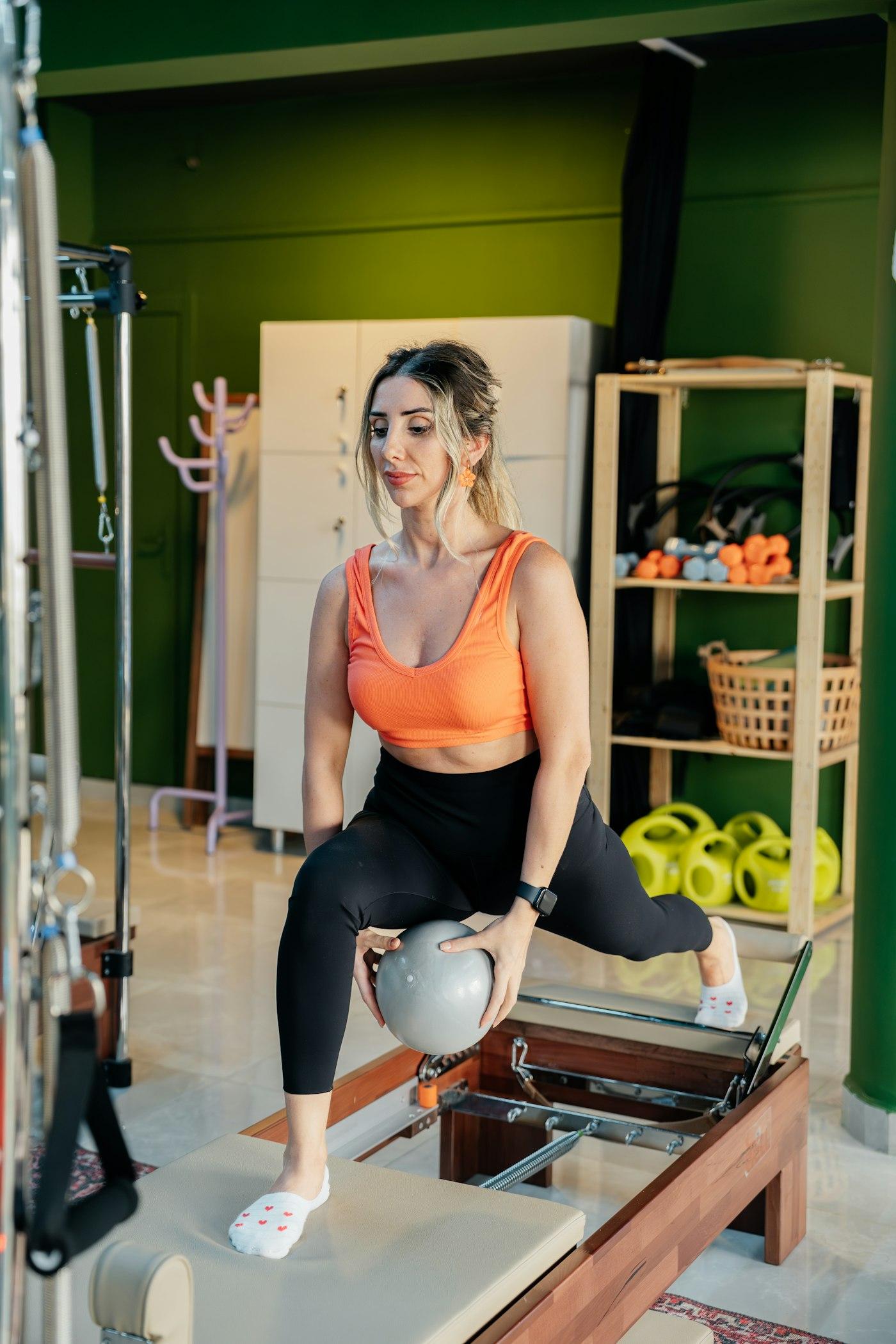
A consultant who sells AI systems to coaches
From our work with a consultant who sells AI systems to coaches
An AI content system in n8n that turns a Pilates coach's Vimeo coaching videos into post ideas and drafts in her own voice.
- A Pilates coach’s recorded sessions now sit in a database the AI can search by meaning.
- Three import workflows feed one core workflow that turns each video into memory.
- If one video fails, the error goes to Airtable and the import carries on with the next.
- New coaching videos are picked up, summarised and stored without anyone retyping them.
- 4
- n8n workflows that fill the memory
- Daily
- Check for new coaching videos
What it costs
Tell us where your videos are kept and roughly how many there are, and we’ll reply by email with a fixed price.
Prices are for our build. Subscriptions to the tools themselves, such as your CRM, phone minutes or AI usage, are paid to those providers.
Other work our AI agents take on
Common questions
How much does it cost?
This is several automations working together, and starts from $1,499. One automation on its own starts from $499. A big project gets a custom quote. Tell us where your videos are kept and we’ll reply by email with a fixed price.
What does “searchable by meaning” mean?
Each transcript is split into small chunks, and OpenAI embeddings turn each chunk into numbers that capture what it means. The AI can then find what you said about a topic even if you used different words.
Does it work with videos on Vimeo?
Yes. We built it on Vimeo and read the transcript Vimeo already holds for each video, along with its name and details.
Can it take in my old recordings?
Yes. A run-once workflow goes through every video in your Vimeo folder, one at a time with a short wait in between, and logs any that fail in Airtable.
How are new sessions added?
A workflow on a schedule checks Vimeo every day for the latest videos with a set word, such as “coaching”, in the title. If one video needs to go in straight away, you can add it by its Vimeo video ID from a form or a link.
Where are my recordings stored?
Inside the system. The searchable chunks live in a Supabase vector store and the summaries live in Airtable, and the private sessions stay there.
What is the memory used for?
In the system we built for a coach, it feeds a second half that suggests post ideas and drafts posts in her voice, which has its own page.


Want an AI that can search your coaching videos?
Tell us where your recordings live today and what you would want to find in them.
Marketing Automate is led by Gaurav Trivedi and Shubham Kakkad.