AI that reads and sorts your sales calls
Sales call analysis is an AI step that reads the transcript of each finished sales call and decides whether the lead is not interested, interested or wants a callback. We built it for an outbound sales team whose calls are made by AI voice agents: the result lands in Slack with the recording and the CRM is updated, so nobody listens back to hours of audio.
Who it’s for: Sales teams that make a lot of calls and have no time to listen back to them or read the transcripts.
After each sales call
- The transcript comes back once the call ends
- An OpenAI step reads what was said
- Sorted as not interested, interested or callback
- Posted to Slack, with the recording as an MP3
- Every call
- Read by OpenAI once the transcript is in
- 3 outcomes
- Not interested, interested or callback
- MP3 in Slack
- The Twilio recording, uploaded with the post
- Zero admin time
- For one client: nobody reads transcripts
Built around the tools you already use
We connect the tools you already use, so every finished call is read, sorted and put in front of your team without anyone listening back.
- 1. Not interested
- 2. Interested
- 3. Callback
Pick any step to see what it does.

From a finished call to a sorted lead
- Step 1
The call starts
Make.com asks NLPearl, the tool that runs the voice agent, to start the call and keeps a record of it.
- Step 2
The transcript comes back
When the call is done, NLPearl reports to the same Make.com scenario that the transcript is ready.
- Step 3
OpenAI reads it
An OpenAI step reads the transcript in place of a person listening back.
- Step 4
Sorted three ways
A router sends the call down the not interested, interested or callback branch, and the contact is tagged in GoHighLevel.
- Step 5
Posted with the recording
The branch posts a message to Slack, then fetches the Twilio recording and adds it as an MP3.
- Step 6
The stage moves
For leads who said no or showed interest, the opportunity moves to a not-interested or review stage in GoHighLevel.
What happens to each call once it ends
Reading the transcript
The OpenAI step works from the transcript NLPearl sends back, so no one has to play the audio.
- Starts when the transcript is ready
- Runs inside the Make.com scenario
Three outcomes
Each call lands in exactly one branch, and each branch tags the contact in GoHighLevel.
- Not interested
- Interested
- Callback
Two Slack channels
Leads who said no are posted to a channel of their own, apart from everyone else.
- One channel for leads who said no
- One for calls to review
- The recording attached as an MP3
Stages kept current
Two of the three branches also update the opportunity in GoHighLevel.
- Said no: a not-interested stage
- Showed interest: a review stage

What a sorted call looks like in Slack
Each branch ends with a post in one of two Slack channels, and the call’s recording is uploaded with it as an MP3.
A callback
A lead who asked to be called back is tagged in GoHighLevel, and the call goes to the review channel.
An interested lead
The post goes to the review channel, and GoHighLevel moves the opportunity to a review stage.
A lead who said no
A channel of its own keeps these apart, and GoHighLevel moves the opportunity to a not-interested stage.
The audio
Twilio holds the recording, and the scenario fetches it and uploads it to Slack as an MP3.

Callback
ExamplePriya asked to be called back later in the week.
An outbound sales team
From our work with an outbound sales team
An outbound sales team that handed cold calling and meeting reminders to AI voice agents, run through Make.com and GoHighLevel.
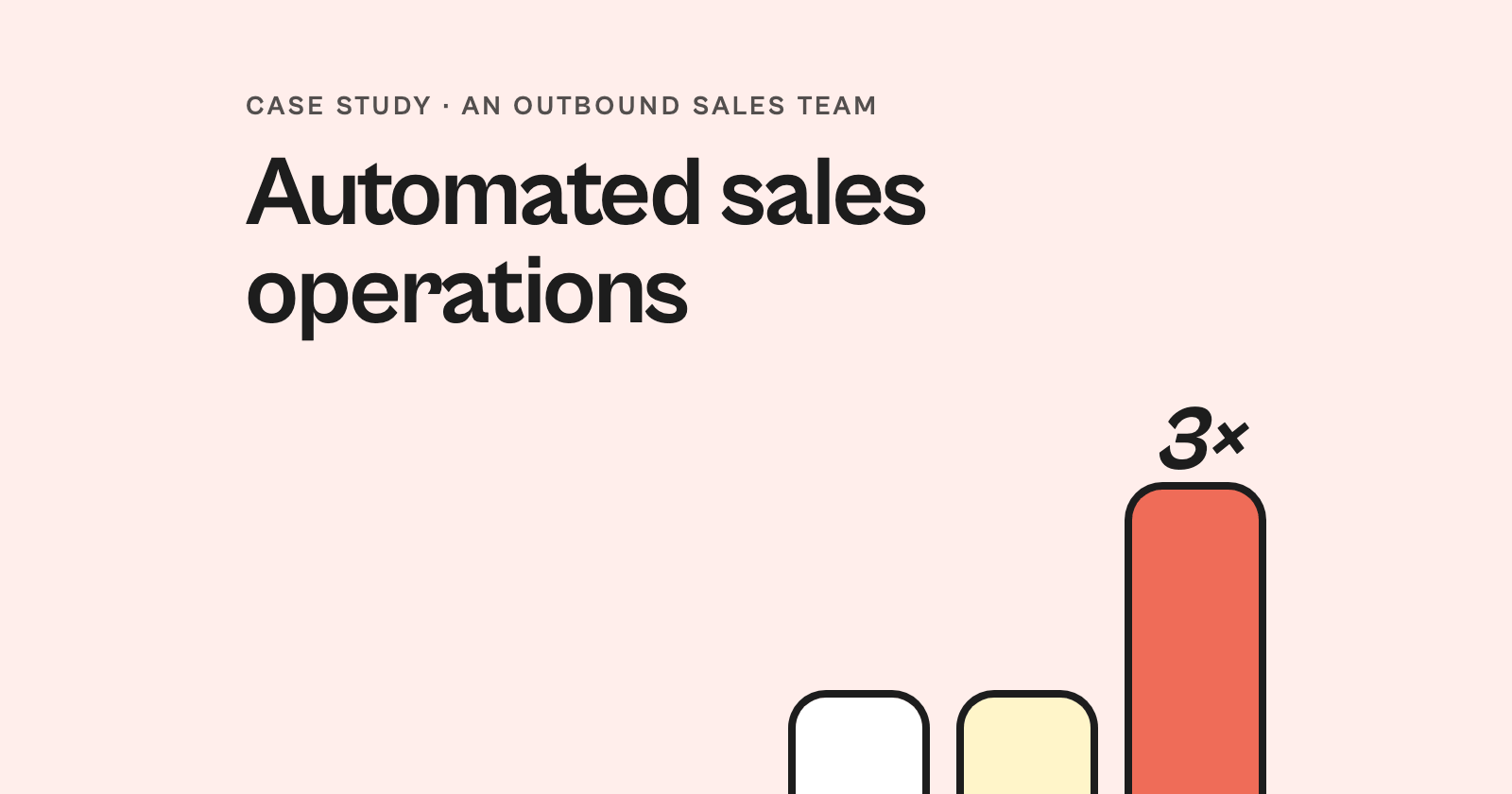
- Every call is transcribed, analysed and posted to Slack by a check that runs on its own.
- An OpenAI step reads each call, and the call is sorted into one of three branches.
- Nobody on the sales team reads through transcripts.
- 3
- Ways each call is sorted
- 0
- Transcripts read by hand
What it costs
Tell us where your call transcripts and recordings end up today, and we’ll reply by email with a fixed price.
Prices are for our build. Subscriptions to the tools themselves, such as your CRM, phone minutes or AI usage, are paid to those providers.
Other work our AI agents take on
Common questions
How much does it cost?
One automation, such as sales call analysis, starts from $499. Several automations, or the design of a whole system, start from $1,499. A big project gets a custom quote. Tell us where your call transcripts come from and we’ll reply by email with a fixed price.
What does the AI decide about each call?
It sorts the call into one of three branches: not interested, interested or callback. Each branch tags the contact in GoHighLevel and ends with a post in Slack.
When does the analysis run?
As soon as NLPearl, the tool that made the call, reports that the transcript is ready. The same Make.com scenario that started the call picks it up from there.
Where do the results go?
To two Slack channels: one for leads who said no, and one for everyone else to review. For a yes or a no, GoHighLevel also moves the opportunity to a review or not-interested stage.
Do we still have to listen to the recordings?
No. The outcome is in the Slack post, and the Twilio recording is uploaded alongside it as an MP3 in case anyone wants to hear the call.
Which tools does it run on?
Make.com runs the scenario, and OpenAI reads the transcript that NLPearl sends back. Twilio supplies the recording, Slack shows the result, and GoHighLevel holds the tags and stages.


Want every sales call read and sorted for you?
Tell us where your recordings and transcripts end up today, and who on your team goes through them.
Marketing Automate is led by Gaurav Trivedi and Shubham Kakkad.