AI reminder calls before every booked meeting
An AI voice agent rings each booked lead before the meeting to check they are still coming. It calls 24 hours, 12 hours and 1 hour before, and if the lead gives a new time, it moves the meeting in your calendar and lets your team know.
Who it’s for: Teams that book meetings with new leads and lose too many of those meetings to people who don’t turn up.
Day-before reminder
- AI caller: Hi Leo, I’m calling to remind you about your meeting tomorrow at 11. Are you still able to make it?
- Leo: Actually, tomorrow’s no good for me.
- AI caller: No problem. Would Friday at 2pm work instead?
- Leo: Friday at 2 is fine.
Meeting moved · Email sent · Posted to Slack
- 3 calls
- 24 hours, 12 hours and 1 hour before
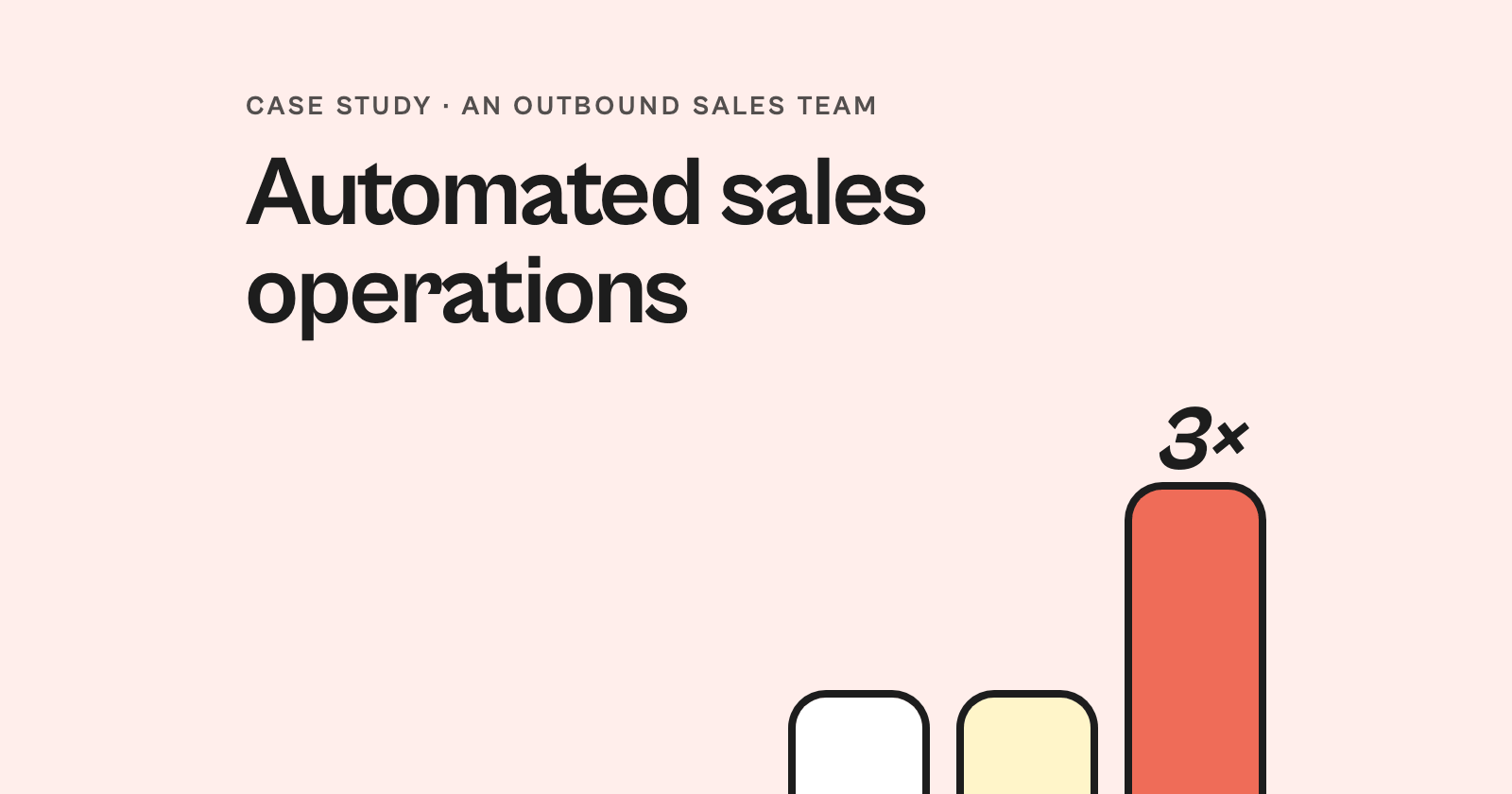
- 3× show rate
- For one client, once the calls began
- Moved on a call
- A new time updates the calendar event
- Every change
- Added as a row in a Google Sheet
Built around the tools you already use
We connect the tools you already use, so every booked lead is reminded and every moved meeting is recorded.
- 1. 24 hours ahead
- 2. 12 hours ahead
- 3. 1 hour ahead
Pick any step to see what it does.

From a booked meeting to a lead who turns up
- Step 1
A lead books a meeting
The meeting lands in your GoHighLevel calendar, which the reminder calls work from.
- Step 2
The first call, a day ahead
Twenty-four hours before the meeting, the agent calls the lead to check they are still coming.
- Step 3
Two more calls
It calls again 12 hours before, and once more an hour before the start.
- Step 4
A new time, if needed
A lead who can’t make it is offered new slots and can move the meeting there and then.
- Step 5
Everything updated
The calendar event moves, an email is sent, a row goes into a Google Sheet and the lead is tagged in your CRM.
- Step 6
Your team sees the call
The transcript and the Twilio recording are posted to Slack, and a call with no change still gets a Slack message.
Three calls, a moved meeting and a record of each
Three calls per meeting
The agent rings each booked lead a day, half a day and an hour before the meeting.
- Confirmed leads are tagged
- No answer: an SMS goes out
Moving the meeting
When the lead gives a new time on the call, the calendar event is updated to match.
- New slots offered on the call
- An email sent once it moves
Slack and the sheet
Each moved meeting is posted to Slack and added to a Google Sheet, so there is a record of every change.
- Transcript and call recording
- A row in a Google Sheet
- The lead tagged in your CRM
Every outcome reported
Calls that end with no change, and calls that never start, are reported in Slack too.
- No reschedule: a Slack message
- Failed start: an error alert

What your team sees when a meeting moves
When a lead picks a new time on a reminder call, five things happen without anyone touching the calendar.
The calendar event
The meeting moves to the new time in your GoHighLevel calendar.
An email
An email goes out as part of the same run.
The transcript in Slack
It is posted to Slack together with the Twilio call recording.
A row in a Google Sheet
Each rescheduled meeting is added to the sheet as a new row.
A tag on the lead
The lead is tagged in your CRM.

Call transcript
ExampleLeo can’t make tomorrow at 11 and moved the meeting to Friday at 2pm.
An outbound sales team
From our work with an outbound sales team
An outbound sales team that handed cold calling and meeting reminders to AI voice agents, run through Make.com and GoHighLevel.
- Show rate tripled with calls at 24 hours, 12 hours and 1 hour.
- Meetings moved during the reminder call, with the calendar updated.
- Each reschedule posted to Slack with its Twilio recording.
- Failed call requests flagged in an errors channel in Slack.
- 3×
- Show rate after the reminders
- 3
- Reminder calls per meeting
What it costs
Tell us which calendar your meetings are booked in and we’ll reply by email with a fixed price.
Prices are for our build. Subscriptions to the tools themselves, such as your CRM, phone minutes or AI usage, are paid to those providers.
Other jobs our voice agents handle
Common questions
How much does it cost?
One automation, such as meeting reminder calls, starts from $499. Several automations, or the design of a whole system, start from $1,499. A big project gets a custom quote. Tell us which calendar your meetings are booked in and we’ll reply by email with a fixed price.
When are the reminder calls made?
Three times for each meeting: 24 hours before, 12 hours before and 1 hour before it starts.
Can a lead move the meeting during the call?
Yes. A lead who can’t make it is offered new slots. When they give a new time, the calendar event is updated, an email is sent and your team sees the transcript in Slack.
What if the lead doesn’t answer?
An SMS is sent to them in place of the call.
Do reminder calls really help more people turn up?
For an outbound sales team, the show rate tripled once the three reminder calls were in place.
What happens if a call fails to start?
If the request to start the call fails, a message goes to an errors channel in Slack.
Which calendar does it work with?
We built it on the GoHighLevel calendar, with Make.com running the calls. If you use something else, tell us and we’ll check whether it can connect.


Want AI voice agents to call your leads?
Tell us how your meetings get booked and how many of them your leads miss today.
Marketing Automate is led by Gaurav Trivedi and Shubham Kakkad.