Ad and sales reports that build themselves
Automated ad reports bring your ad spend, your sales team’s tags and the list of enquiries in your CRM together on their own. A paid ads report refreshes every morning, and a weekly report adds every enquiry that did not come from an ad.
Who it’s for: Businesses that pay for Meta or Google ads and want to see what each channel costs per real lead and per booking.
What your reports show
- A paid ads report, refreshed every morning
- A weekly report with every enquiry, from ads or not
- Cost per real lead and per booking for each channel
- A budget page that prices the leads you want
- Each morning
- The paid ads report rebuilds itself
- Each week
- A full report adds every enquiry in your CRM
- Password-locked
- The report sits on your own website
- 53% less
- Per Google booking than Meta, for one venue
Built around the tools you already use
We connect the tools you already use, so your ads report is ready each morning without anyone pulling the numbers.
- 1. Sales tags from Interakt
- 2. Ad spend: Meta and Google
- 3. Bot answers from n8n
Pick any step to see what it does.

From last night’s data to this morning’s report
- Step 1
The job starts itself
Every morning n8n, the tool that runs the automations, starts the report job.
- Step 2
The data comes in
The job collects the sales tags from Interakt, the spend for each ad from Meta and Google, and the WhatsApp bot’s answers.
- Step 3
The ads report goes up
The paid ads report is published on your website behind a password, ready to open.
- Step 4
A weekly end-to-end report
Each week a script reads your lead book, the list of every enquiry in Twenty CRM, skips anyone the ads report already counts and sorts the rest by source.
- Step 5
Costs become a budget
A separate page turns what each lead has really cost into a daily and monthly spend for the leads you want.
Two reports and a budget page
Paid ads report
It covers everyone who reached you on WhatsApp from an ad, and it refreshes every morning.
- Leads coloured by sales tag
- From ad lead through to booked
- Behind a password on your site
End-to-end report
It adds the calls, walk-ins, repeat customers and referrals from your lead book.
- Each person counted once
- Every enquiry sorted by source
- Ad leads never counted twice
Cost per channel
Spend is set against real leads and bookings for Meta and Google separately.
- Share of leads that were real
- Share of leads that booked
- Cost per lead and per booking
Budget planner
You pick an event and how many leads you want each week, and it shows what to spend.
- Daily and monthly spend
- Based on what leads really cost

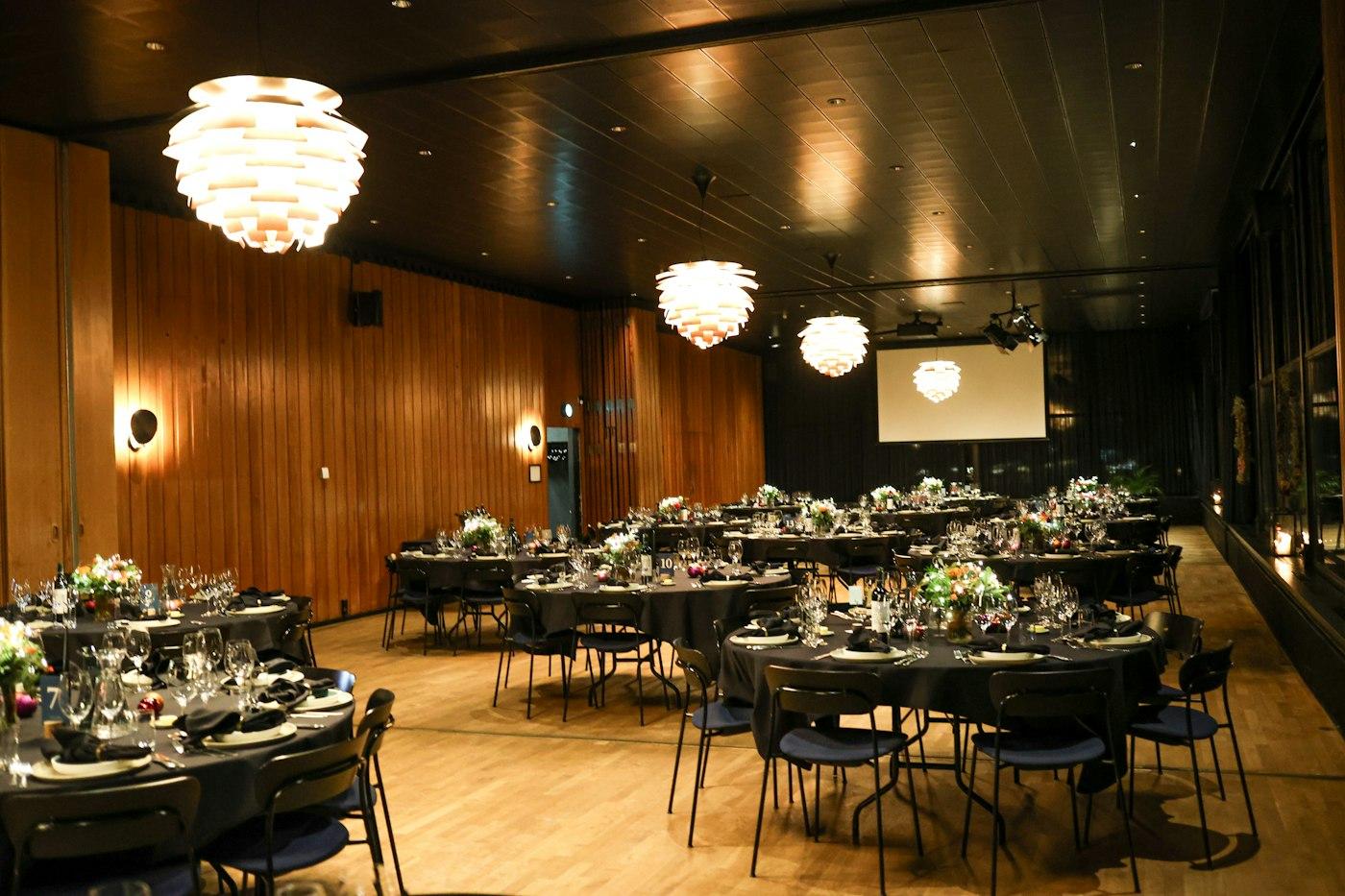
What the reports told an event venue
Once the ads, the sales tags and the lead book sat in one place, the venue could compare channels by what they cost per booking. These figures cover 15 April to 21 November 2026.
Who enquired and who booked
The end-to-end report counted 2,654 people who enquired and 127 who booked.
What ads brought in
Ads brought 28 of those bookings, or 22%: 25 traced through the tracking and 3 from people who named an ad at the front desk.
Google Search and Meta side by side
Of 402 Google Search leads, 90% were real and 4% booked. Of 708 Meta leads, 67% were real and 1% booked.
Cheaper leads, dearer bookings
Meta leads cost less than half as much as Google leads, yet a Google booking cost 53% less than a Meta one.
Bookings without an ad
Repeat customers booked 40% of the time and referrals 29%, against 2% for leads traced to ads.
Paid ads report
ExampleGoogle Search: 402 leads, 90% real, 4% booked. Meta: 708 leads, 67% real, 1% booked.
From our work with an event venue
- The paid ads report refreshes every morning, with nobody starting it.
- A weekly end-to-end report puts every enquiry, from ads or not, in one place.
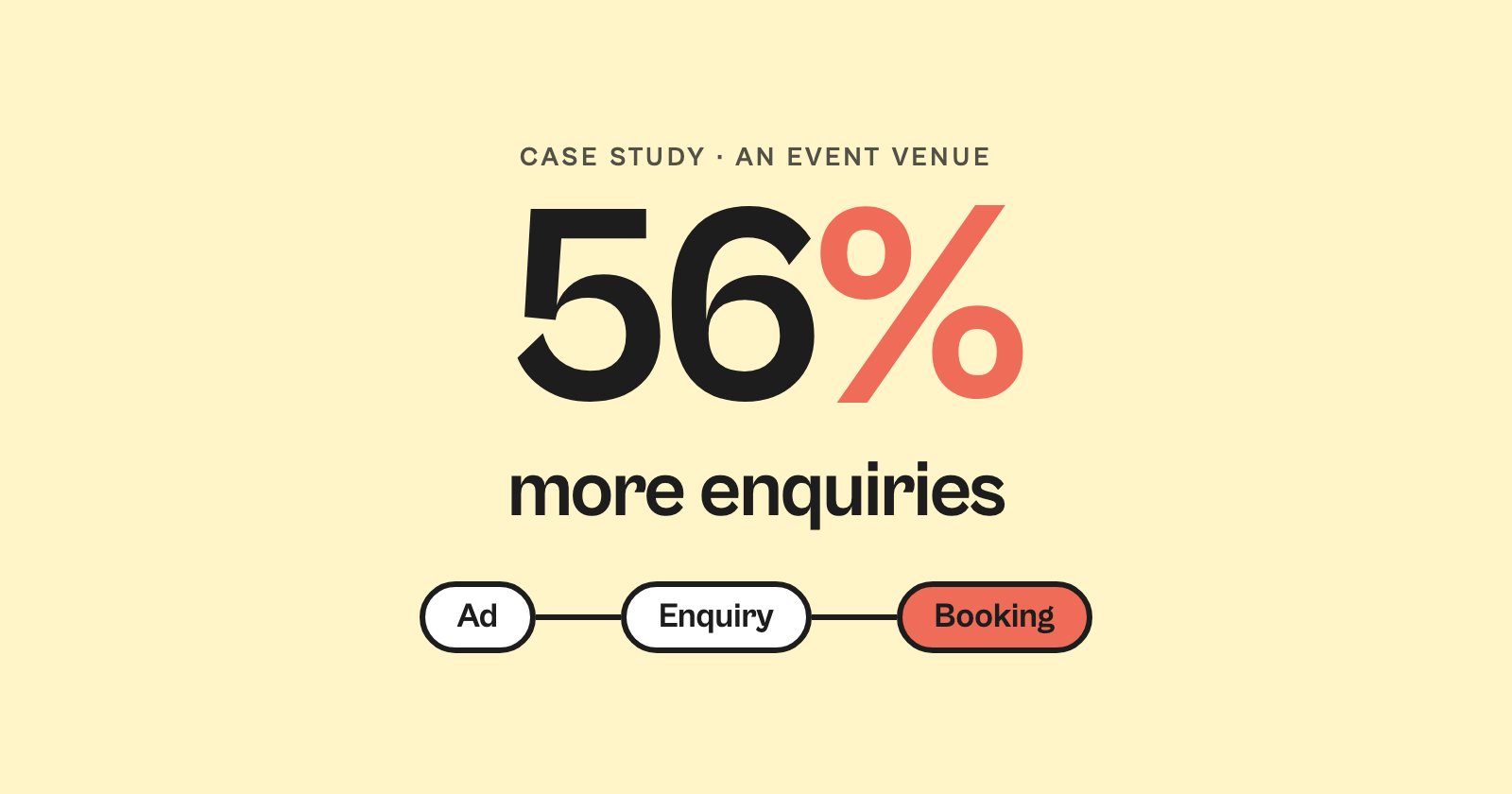
- The reports showed that a Google booking cost 53% less than a Meta one, though Meta leads were cheaper.
- A budget page works out daily and monthly ad spend from the real cost of past leads.
- 53%
- Less per booking on Google Search than on Meta
- 22%
- Of 127 bookings brought by ads, 15 Apr to 21 Nov 2026
What it costs
Tell us which ad accounts and CRM your numbers live in, and we’ll reply by email with a fixed price.
Prices are for our build. Subscriptions to the tools themselves, such as your CRM, phone minutes or AI usage, are paid to those providers.
More we set up in your CRM
Common questions
How much does it cost?
One automation, such as a paid ads report that refreshes every morning, starts from $499. Several automations, or the design of a whole system, start from $1,499. A big project gets a custom quote. Tell us which ad accounts and CRM your numbers live in, and we’ll reply by email with a fixed price.
How often do the reports update?
The paid ads report refreshes every morning. The end-to-end report, which adds your CRM lead book, is built once a week.
Where do I see the reports?
For an event venue, the paid ads report is published on the venue’s own website, behind a password.
What happens if the morning run fails?
n8n starts the report job each morning and emails you only if the whole run fails.
Does it include leads that did not come from ads?
Yes, the end-to-end report does. It reads your lead book from Twenty CRM each week, leaves out anyone the ads report already counts and sorts the rest by source, such as calls, walk-ins, repeat customers and referrals.
Can it help me set an ad budget?
Yes. A separate page lets you pick an event and the number of leads you want each week, then shows the daily and monthly spend, based on what each lead has really cost.
Why look at cost per booking as well as cost per lead?
The two can point different ways. For an event venue, Meta leads were the cheaper ones, yet bookings from Google Search cost 53% less than bookings from Meta.


Want to know which ads bring you bookings?
Tell us which ads you run, where your leads are kept and what you want each report to show.
Marketing Automate is led by Gaurav Trivedi and Shubham Kakkad.