Trace WhatsApp leads from ad to booking
Ad-to-booking tracking follows each WhatsApp enquiry from the Meta ad or Google click that started it all the way to the booking. Your sales team’s tags decide which leads were real, and those results go back to Google Ads.
Who it’s for: Businesses whose Meta or Google ads lead people to a WhatsApp chat, and who want to know which ads end in bookings.
What each chat carries
- The Meta ad that opened it, from your WhatsApp tool
- Or the Google click, matched by an enquiry code
- Your sales team’s tag and the date it first appeared
- A result sent to Google Ads once the lead is tagged
- Meta and Google
- Each chat tied to the ad that started it
- 284 matched
- Leads tied to a Google click, for one client
- 10 minutes
- Window for a click when there is no code
- Tagged first
- No result goes to Google before a sales tag
Built around the tools you already use
We connect the tools you already use, so each chat keeps the ad that started it until your team marks how it ended.
- 1. Code matches a click
- 2. No code: one click in 10 min
- 3. Two could fit: unmatched
Pick any step to see what it does.
From a tap on an ad to a tagged lead
- Step 1
A chat opens from an ad
Someone taps your Meta ad or clicks your Google Search ad and messages you on WhatsApp.
- Step 2
Meta ads are recorded
Interakt, the WhatsApp Business tool your sales team works in, notes which Meta ad opened each chat.
- Step 3
Google visitors get a code
Your website gives each visitor from a Google ad a short enquiry code and adds it to their WhatsApp message.
- Step 4
Codes matched each morning
A script matches codes to clicks, and when a message has no code it looks for a single click in the 10 minutes before it.
- Step 5
Your team tags the lead
Each chat gets a sales tag in Interakt, such as open, booked, low budget, can’t serve or junk.
- Step 6
Google hears the outcome
Once a matched lead is tagged, Google Ads is told whether it booked or looks promising.
How each chat gets its source and its verdict
Meta ads
Interakt already knows which Meta ad opened each WhatsApp chat.
- Bot asks occasion, budget, guests
- n8n logs answers to sheet and CRM
Google clicks
An enquiry code joins a Google click to the WhatsApp message that followed it.
- Codes such as SB-7KQ2M
- A lone click in the 10 minutes before
- Two possible clicks: no match
Your team’s verdict
The tags your team already adds in Interakt decide which chats count.
- Open, booked, low budget, junk and more
- First date of every tag kept
- Time from first message to booking
Results to Google Ads
Google Ads is told about bookings and promising leads, so it learns from sales.
- Booked leads sent as bookings
- Promising ones as qualified leads
- Nothing sent before a tag
What travels with every WhatsApp chat
A chat from a Google ad carries its enquiry code. From there the match, the tag and the result all hang off that one chat.
The enquiry code
The code your website added links this message to one Google click.
Or the Meta ad
For a chat that started from a Meta ad, Interakt holds the ad instead.
The bot’s questions
A WhatsApp bot asks about the occasion, the budget and the number of guests.
Your team’s tag
Once someone on the sales team tags the chat, the morning script records the date.
A result for Google
A booked or promising lead goes back to Google Ads, and Google never hears about a junk one.

New WhatsApp chat
ExampleRohan: Hi, is a hall free for a wedding in February? About 150 guests. SB-7KQ2M
From our work with an event venue
- Every chat now carries a source: the Meta ad from Interakt, the Google click found by its code, or no match at all.
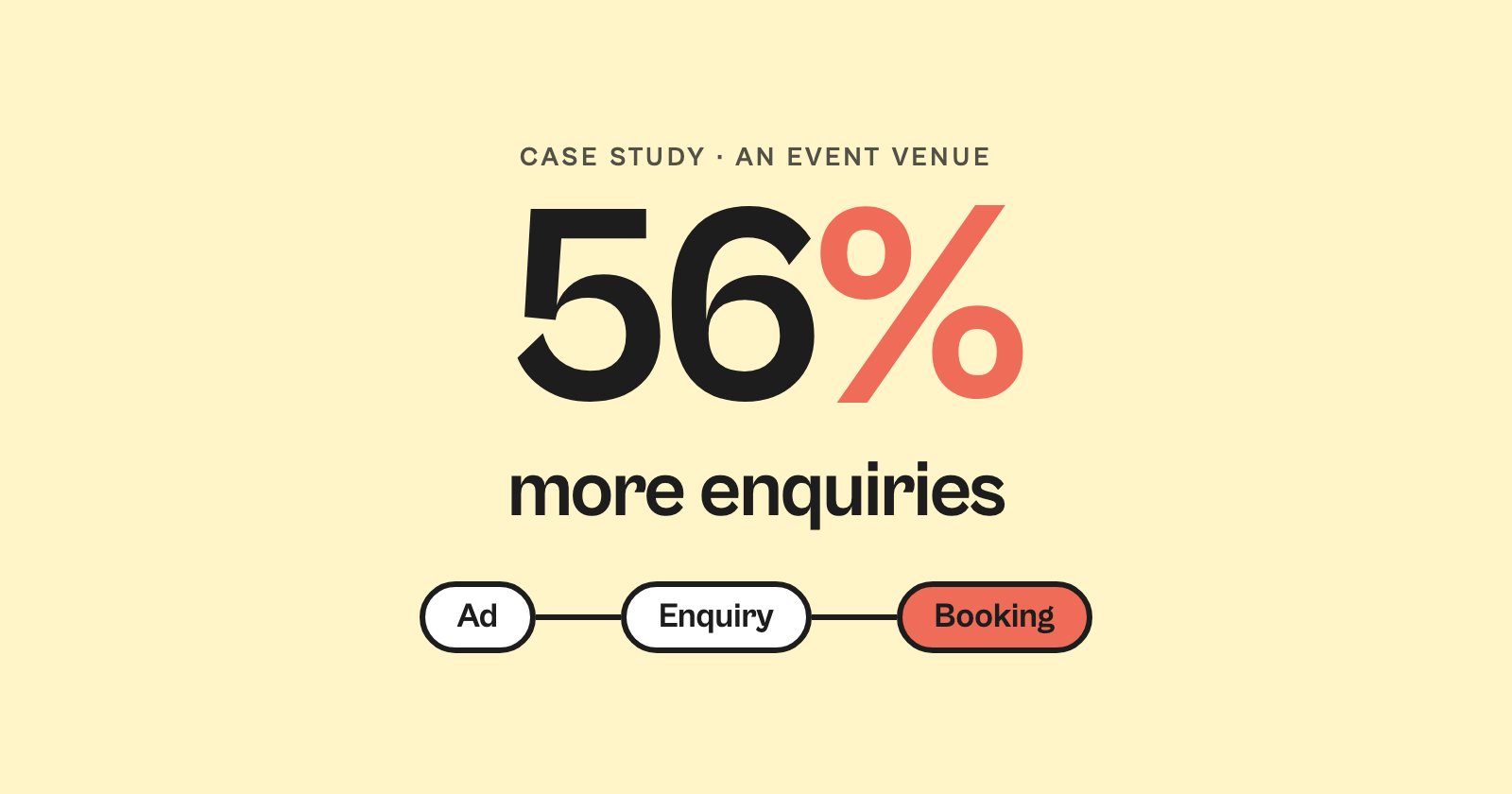
- So far 284 WhatsApp leads have been matched to the Google click that brought them.
- A lead’s result reaches Google Ads only after the sales team has tagged it, and junk is never sent.
- A script records the day each sales tag first appeared, giving the time from first message to booking.
- 284
- WhatsApp leads matched to a Google click
- 10 min
- Window to match a message with no code
What it costs
Tell us which ads you run and where your chats arrive, and we’ll reply by email with a fixed price.
Prices are for our build. Subscriptions to the tools themselves, such as your CRM, phone minutes or AI usage, are paid to those providers.
More we set up in your CRM
Common questions
How much does it cost?
This is several automations working together, and starts from $1,499. One automation on its own starts from $499. A big project gets a custom quote. Tell us which ads you run and where your chats arrive, and we’ll reply by email with a fixed price.
How do you know which Meta ad started a chat?
For one client, an event venue, Interakt, the WhatsApp Business tool its sales team works in, records the Meta ad that opened each chat, so every Meta chat arrives with its source.
What if a WhatsApp message has no enquiry code?
The script looks for a Google click in the 10 minutes before the first message. It makes the match only when there is exactly one such click, and leaves the lead unmatched if two could fit.
Why wait for the sales team’s tag before telling Google?
For one client, about a third of tagged leads used to turn out to be junk. Waiting for a person’s tag keeps junk away from Google Ads, at the cost of speed: Google hears about a lead only once it is tagged.
What gets sent to Google Ads?
Booked leads go back as bookings and promising ones as qualified leads, through Google’s Data Manager API. Junk is never sent.
Does my sales team have to work differently?
The team keeps tagging chats in Interakt as they work on them, with tags such as open, booked, low budget and junk. Those tags are what the tracking reads.
Can I see how long a lead takes to book?
Yes. Interakt keeps no history of tags, so a script reads them every morning and records the date each one first appeared. That gives the time from first message to booking.


Want to know which ads bring you bookings?
Tell us which ads you run, where the chats land and how your sales team marks a booking.
Marketing Automate is led by Gaurav Trivedi and Shubham Kakkad.